


Overview
This config lives in stiffis/neovim-config and is one of the tools I use the most every day. It is built around AstroNvim v5 and extends it with my own plugin choices, custom highlights, language tooling, and workflow improvements for writing code, notes, and technical documents.
Screenshots
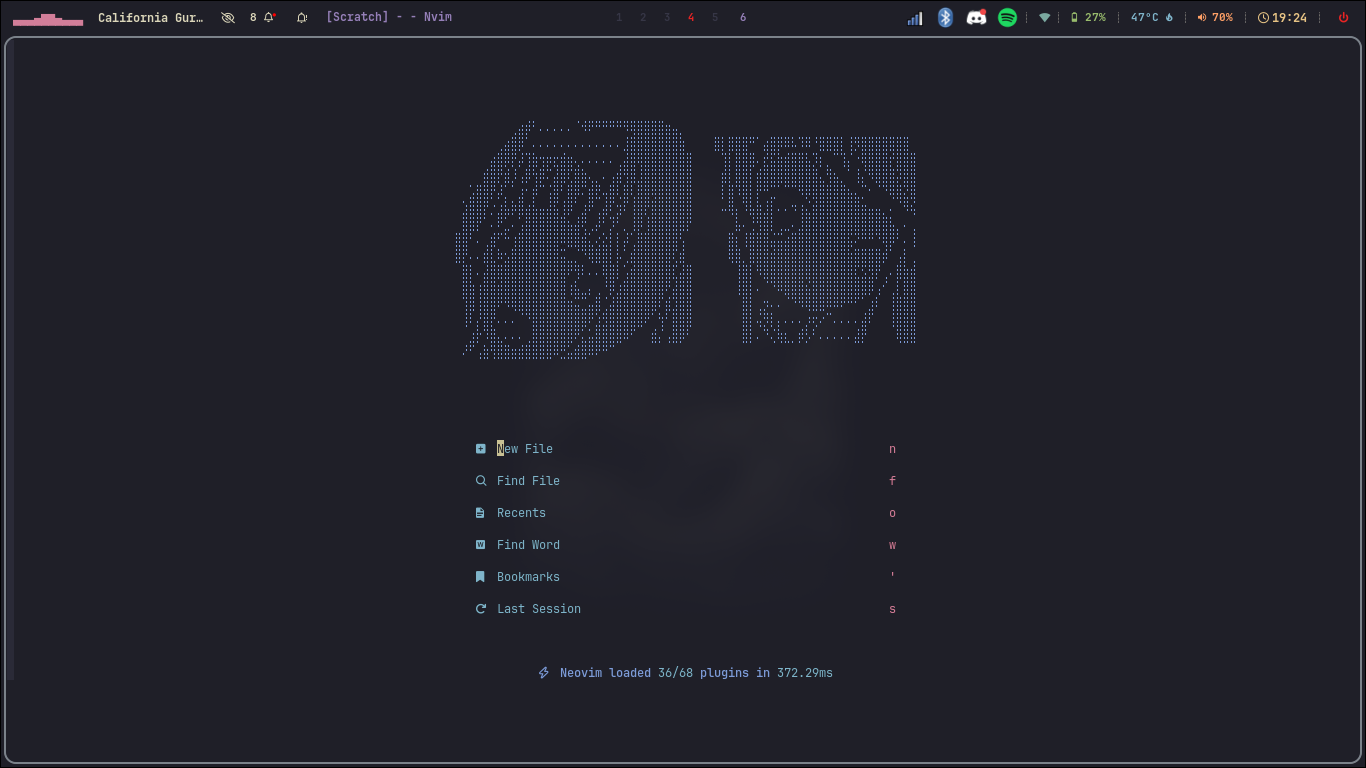
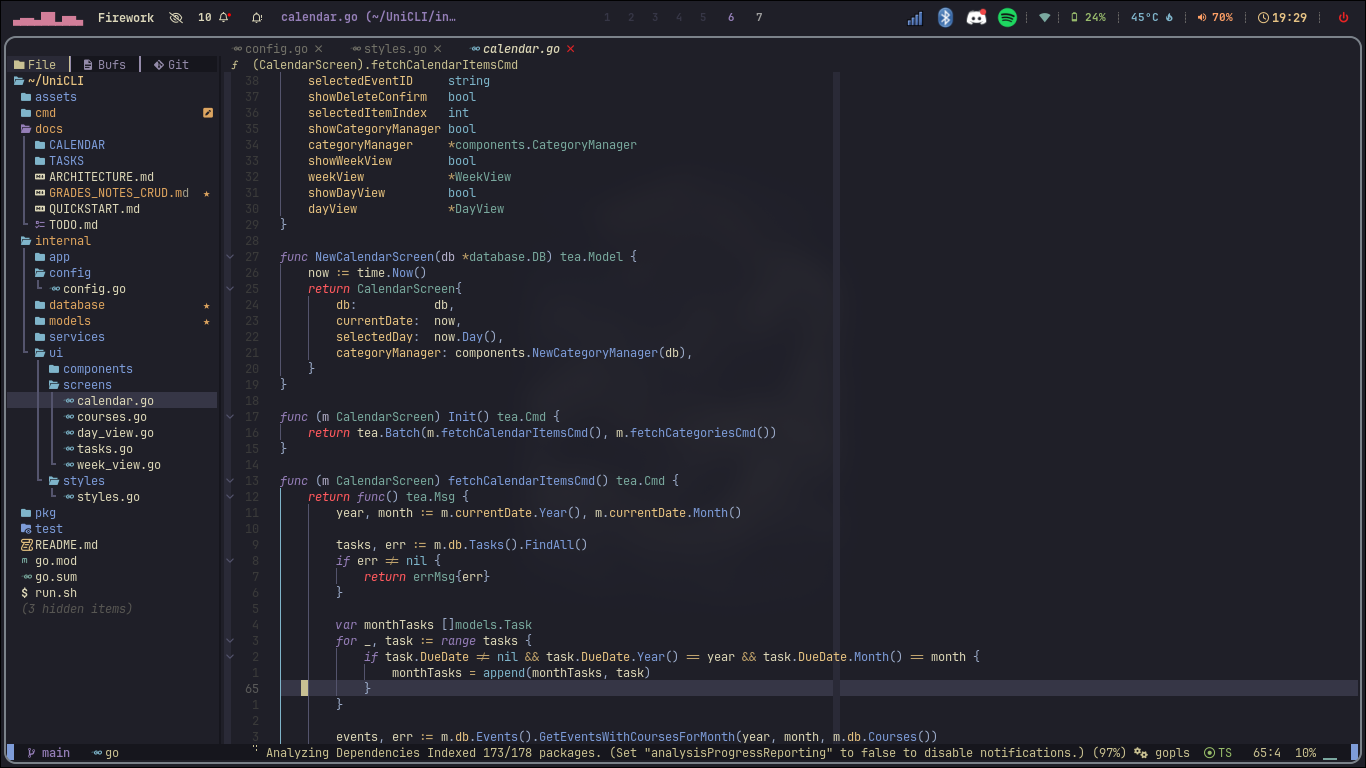
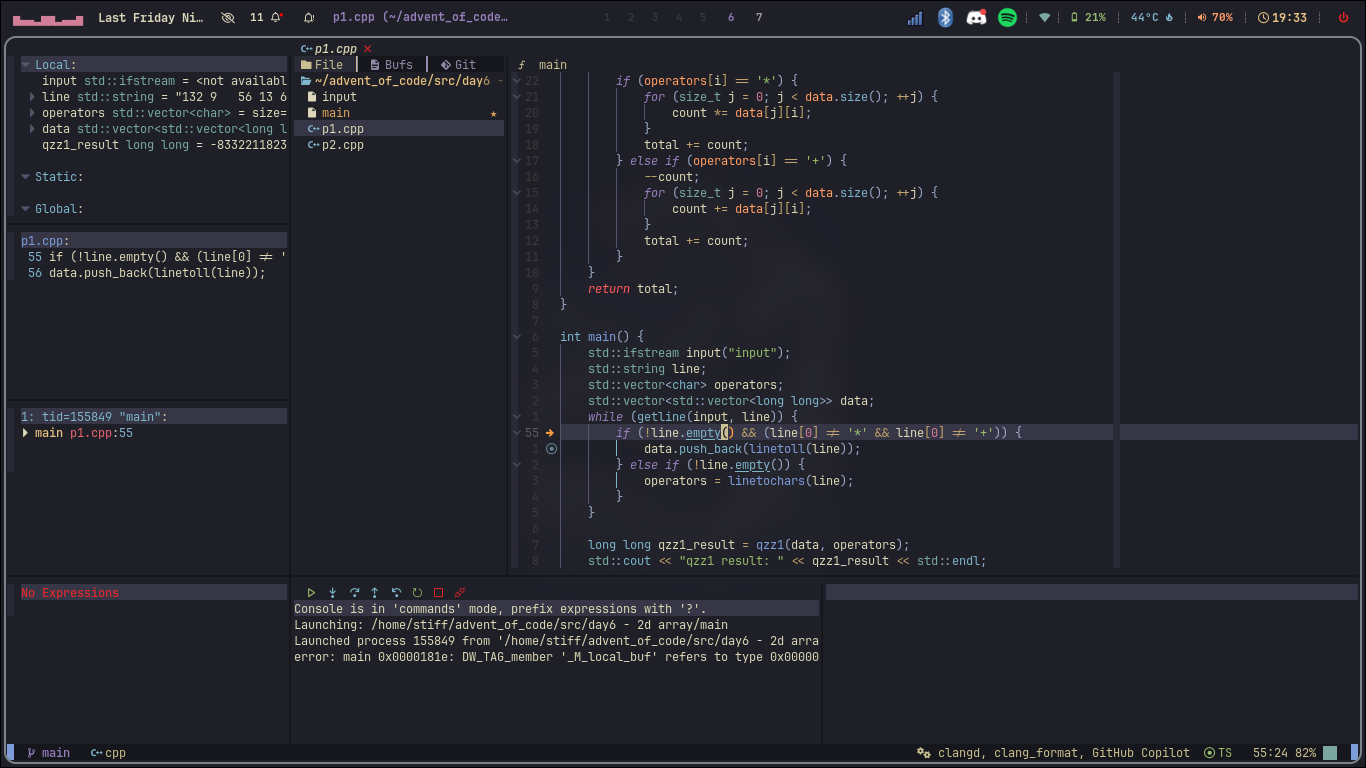
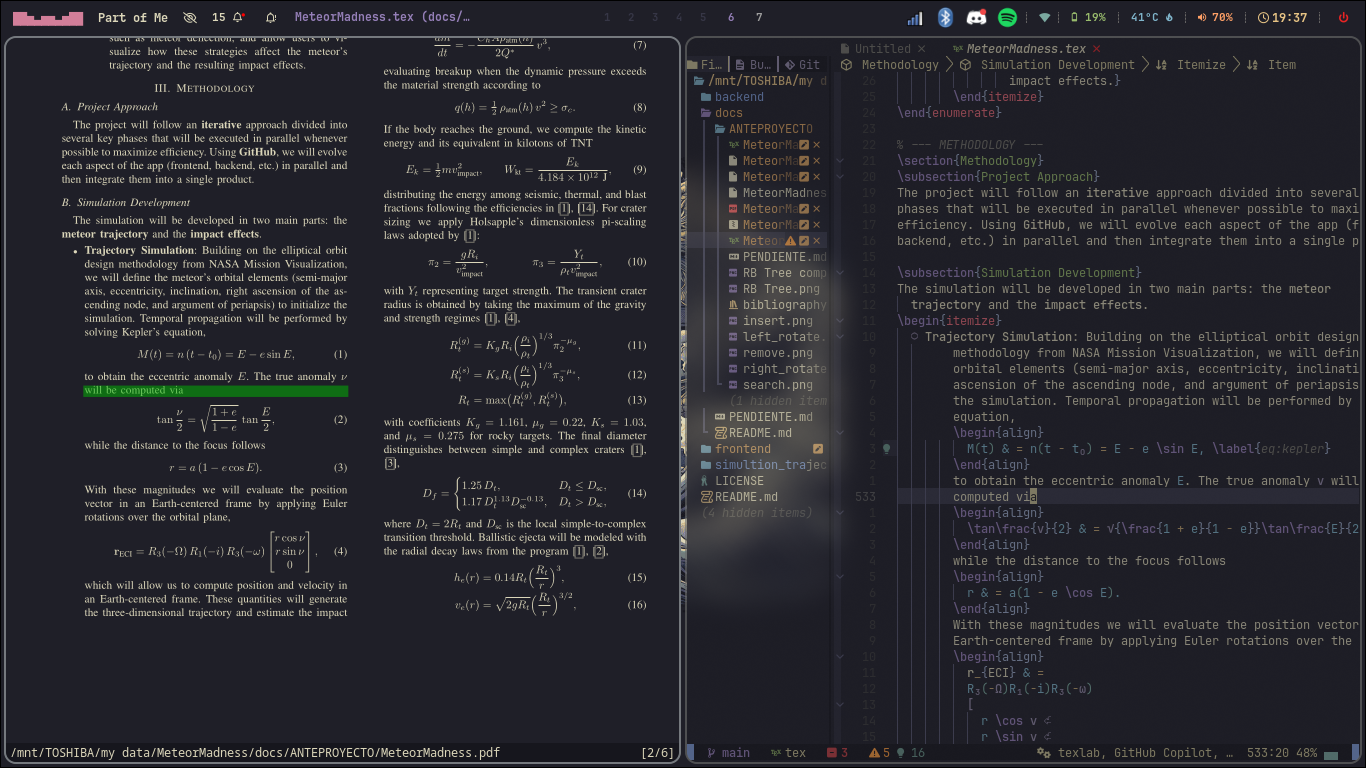
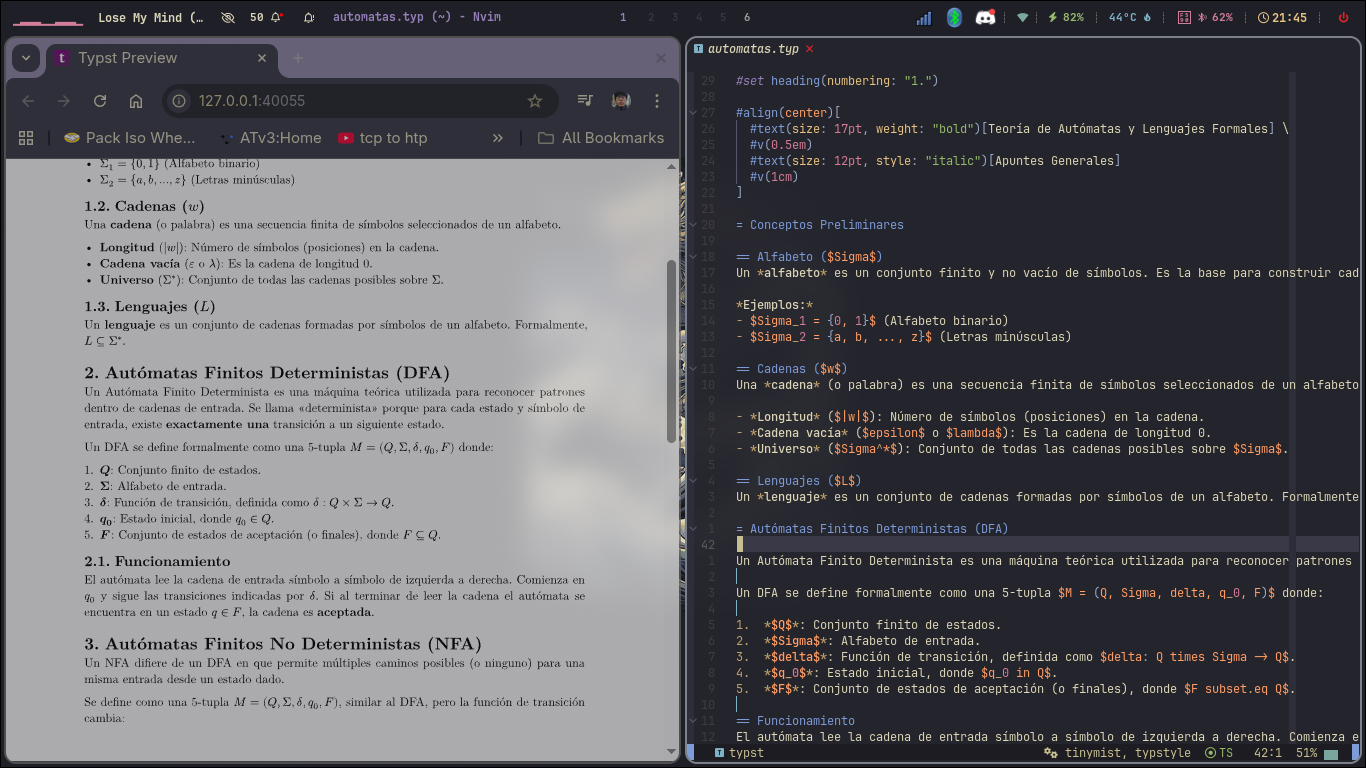
What it focuses on
- Fast startup through lazy-loaded plugins
- Comfortable editing with a polished UI and solid defaults
- Strong language tooling via LSP, Treesitter, Mason, and Conform
- Daily workflow support for Go, Python, C/C++, TypeScript, Java, LaTeX, and Typst
- Practical extras like debugging, collaborative editing, markdown rendering, and deadline tracking
Main features
- 70+ plugins selected around real daily use rather than plugin count
- Kanagawa as the main theme, with Catppuccin available as an alternative
- blink.cmp for autocompletion with LSP integration
- Conform.nvim for format-on-save workflows
- nvim-treesitter for syntax-aware highlighting and editing
- nvim-dap for debugging sessions
- vimtex and typst.vim + tinymist for document workflows
- live-share.nvim for collaborative editing
- A custom timelimit plugin for project deadline tracking
Tooling and language support
The README lists support or ready-to-configure flows for:
- Go
- Python
- C / C++
- TypeScript
- Java
- LaTeX
- Typst
That makes this config useful not only for app development, but also for coursework, technical writing, and systems programming.
Core plugin stack
Base framework
- AstroNvim
- lazy.nvim
Completion and editing
- blink.cmp
- LuaSnip
LSP and formatting
- mason.nvim
- nvim-lspconfig
- conform.nvim
- nvim-treesitter
Language-specific workflow
- vimtex for LaTeX with live preview
- typst.vim + tinymist for Typst editing, formatting, diagnostics, and preview
- nvim-java for Java support
- tailwind-tools.nvim and tailwindcss-colorizer-cmp for Tailwind work
Installation
mv ~/.config/nvim ~/.config/nvim.bak
mv ~/.local/share/nvim ~/.local/share/nvim.bak
mv ~/.local/state/nvim ~/.local/state/nvim.bak
mv ~/.cache/nvim ~/.cache/nvim.bak

git clone https://github.com/stiffis/neovim-config ~/.config/nvim
cd ~/.config/nvim
nvim
On first launch, Lazy.nvim installs the plugin set automatically.
Requirements
- Neovim >= 0.10.0 (0.11+ recommended)
- Git >= 2.19
- Node.js >= 18
- Python >= 3.10
- A Nerd Font
- ripgrep
- Optional tools like
lazygit,zathura, andtypst
Notable workflows
Coding
This setup is designed to make normal development feel smooth: completion, formatting, LSP navigation, diagnostics, Treesitter, and a UI that stays readable over long sessions.
LaTeX and Typst
One of the strongest parts of the config is document work:
- LaTeX with VimTeX + Zathura
- Typst with browser preview, sync support, diagnostics, and formatting
That makes it especially useful for class notes, reports, and technical writeups.
Debugging and collaboration
- DAP support for debugging sessions
- live-share support for collaborative editing
- custom deadline tracking through
timelimit.nvim
Project structure
~/.config/nvim/
├── init.lua
├── lua/
│   ├── lazy_setup.lua
│   ├── polish.lua
│   ├── community.lua
│   └── plugins/
├── .stylua.toml
└── README.md